
RobMix - Ultimate V1.0
by ModelsLabRecommended Settings
I generally use:
DPM++ SDE 3M Karras
40 steps
CFG 7-10
Second pass is a 1.5x latent upscale, 0.3 denoise, 40 steps. Everything was generated in Comfy or StableSwarmUI.
Recommended Prompts
This model works great with short prompts, and tends to follow longer prompts fairly well. I haven't really tried word salad SD 1.5 style prompts with it, so your mileage may vary.
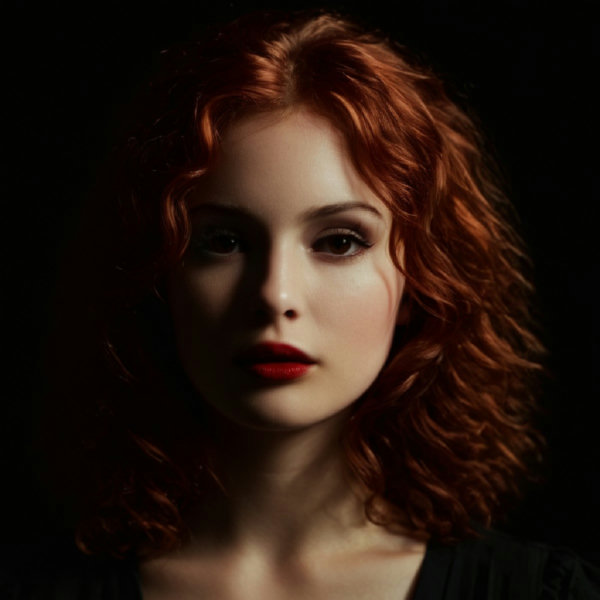
I like to use phrases like dark, contrasty, and underexposed because I think they look particularly crispy.
No negative prompts are required. The only thing I occasionally use are painting, illustration if I want to push it a bit further toward photorealism.
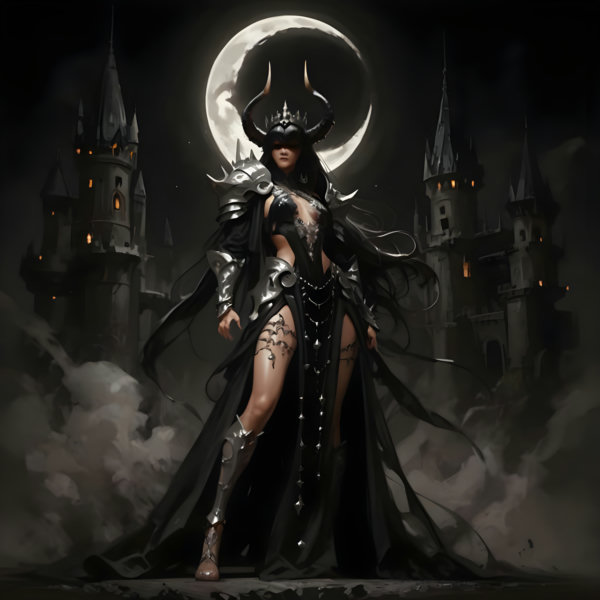
All of the sample images are unedited, fresh out of the oven.
About This Model
This is my first — and maybe my only — model merge.
I spent the last few weeks mashing up some of my favorite photorealistic models and LoRAs into a big messy ball, and after six iterations or so, something cool popped out. So I wanted to share.
I wish I could remember what all went into it, but I wasn't keeping track because I didn't plan to make something I'd unleash on the world.
I was initially training it as a photorealistic model for human portraits, but it's proven to be insanely good across a wide range of styles and mediums, including abstract ideas.
Subject matter range is excellent. It has a diverse range of photographic styles — nature, portrait, candid, astro — and camera angles/focal lengths — telephoto, ultrawide, close, wide, macro, etc. I'm a photographer, so that makes me happy.
Because it's intended to produce images with a photographic style, prompts for things that are typically 2D (such as drawings, anime, etc.) tend to get a bit of "pop." If you don't want that, you may be better off with a model that's better aligned with that style. It's kind of cool, IMO.
For aspect ratios, it works great up to 21:9, both horizontally and vertically, without many of the typical issues of doubling subjects, horror show anatomy, etc. Obviously, if you cram a portrait into a 9:21 vertical pano, you might get some weird results.
It's capable of making less than perfect looking people. Hands are pretty good. And it can actually crank out some usable text, which was a fun bonus.
robmix-ultimatev10Input
Output
Unknown content type
Looking for something different?
Models that trade off differently against the one you are viewing
Better quality
Newer flagship models that generally produce stronger results.



Faster Generation
Built for speed when you are iterating on a prompt.
Related Models
Discover similar models you might be interested in

About RobMix - Ultimate V1.0
Recommended SettingsI generally use:DPM++ SDE 3M Karras40 stepsCFG 7-10Second pass is a 1.5x latent upscale, 0.3 denoise, 40 steps. Everything was generated in Comfy or StableSwarmUI.Recommended PromptsThis model works great with short prompts, and tends to follow longer prompts fairly well. I haven't really tried word salad SD 1.5 style prompts with it, so your mileage may vary.I like to use phrases like dark, contrasty, and underexposed because I think they look particularly crispy.No negative
Technical Specifications
- Model ID
- robmix-ultimatev10
- Provider
- ModelsLab
- Task
- AI Generation
- Price
- $0.0047 per API call
- Added
- June 4, 2025
Quick Start
Integrate RobMix - Ultimate V1.0 into your application with a single API call. Get your API key from the pricing page to get started.
import requestsimport jsonurl = "https://modelslab.com/api/v6/images/text2img"headers = {"Content-Type": "application/json"}data = {"model_id": "robmix-ultimatev10","prompt": "your prompt here","key": "YOUR_API_KEY"}try:response = requests.post(url, headers=headers, json=data)response.raise_for_status() # Raises an HTTPError for bad responses (4XX or 5XX)result = response.json()print("API Response:")print(json.dumps(result, indent=2))except requests.exceptions.HTTPError as http_err:print(f"HTTP error occurred: {http_err} - {response.text}")except Exception as err:print(f"Other error occurred: {err}")
Pricing
RobMix - Ultimate V1.0 API costs $0.0047 per API call. Plans start at $21/month, and open-source models are unlimited on the $149/month plan. View pricing plans