Unlimited Open Source Models

Get Plan
Skip to main content
Imagen

Grok Imagine
High-Quality AI Images, Videos, and Audio Generation

Try Grok Imagine by xAI — generate and edit images with AI. Create stunning visuals from text prompts using the Grok Imagine model. Playground and API access on ModelsLab, plans from $21/month.

What Is Grok Imagine?

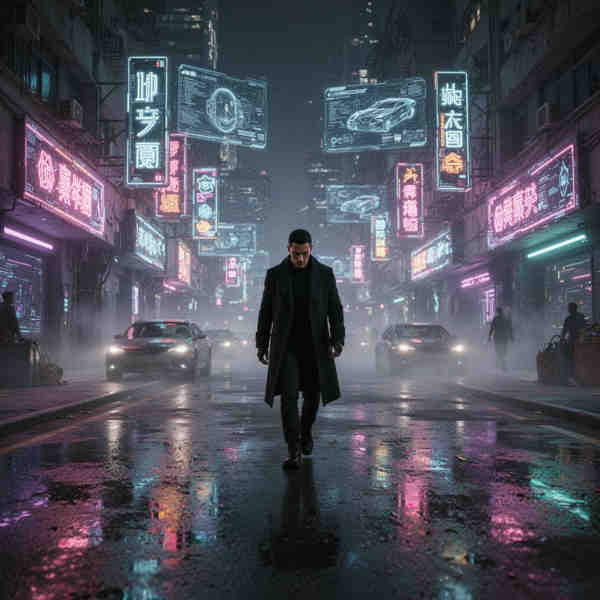
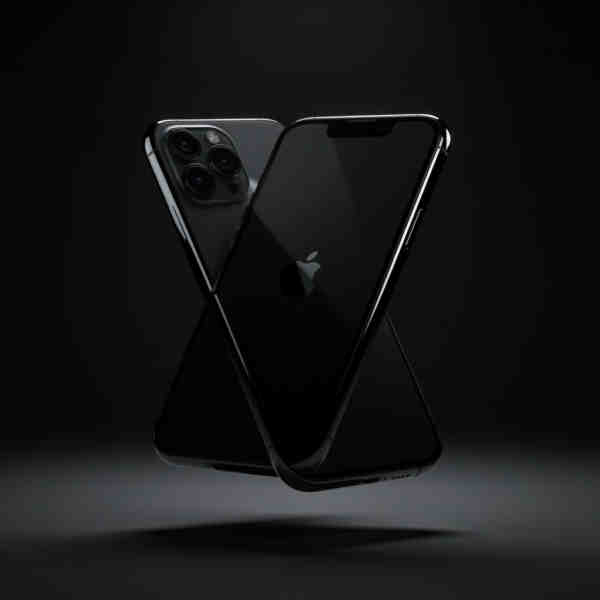
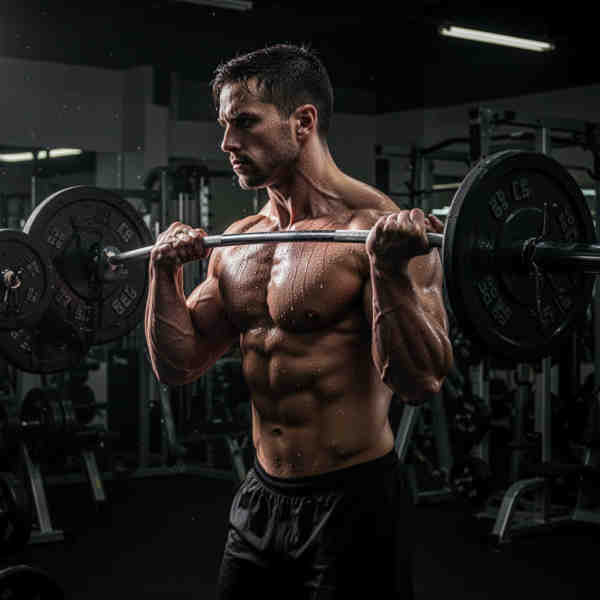
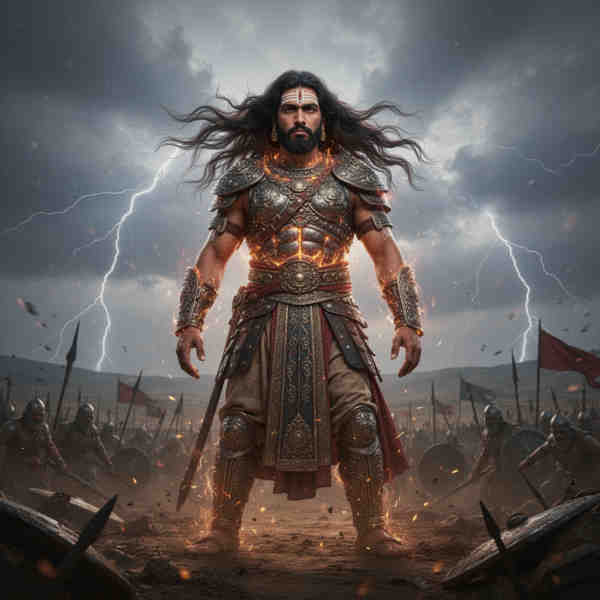
Grok Imagine is xAI's AI grok image, Videos and Audio generator model that creates and edits from text prompts. Built by Elon Musk's xAI team, Grok Imagine produces photorealistic and artistic images with strong prompt understanding and detail rendering.

On ModelsLab, you can access Grok Imagine through both a playground and a REST API — no xAI account or separate API key required. Generate images, edit existing photos, and integrate Grok Imagine into your applications through a single API endpoint. Plans start at $21/month.

Trusted by

Google logo
Salesforce logo
Amazon logo
IBM logo
Adobe logo
Sony logo
Google logo
Salesforce logo
Amazon logo
IBM logo
Adobe logo
Sony logo
Google logo
Salesforce logo
Amazon logo
IBM logo
Adobe logo
Sony logo
Google logo
Salesforce logo
Amazon logo
IBM logo
Adobe logo
Sony logo
500M+

API Requests Processed

400K+

Registered Users

5K+

Discord Community Members

300+

Available AI APIs

500

GPUs in Our Own Datacenter

More xAI Models

Browse all xAI models available on ModelsLab.
View all xAI models

Grok Imagine Image Generation

xAI's cutting-edge image generation and editing model — from text prompts to photorealistic visuals.

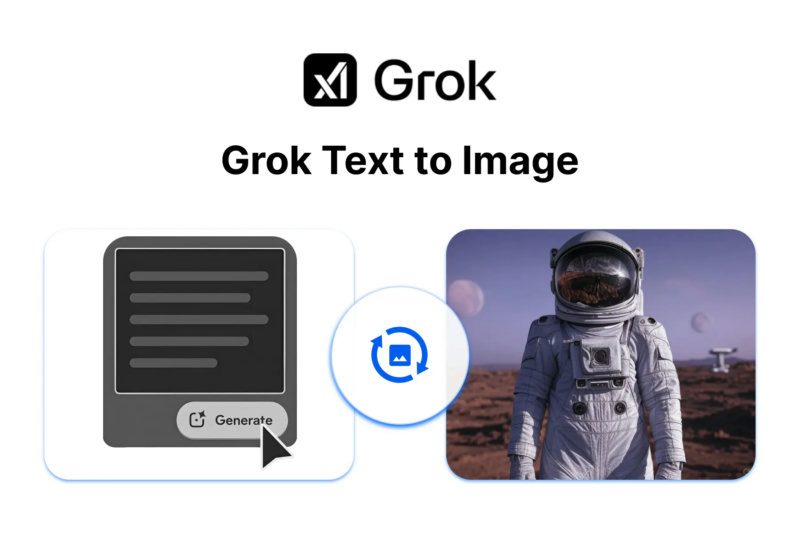
Text-to-Image Generation

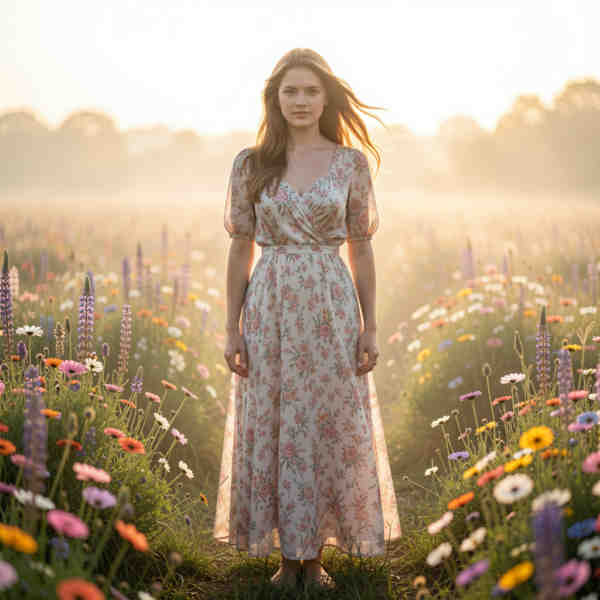
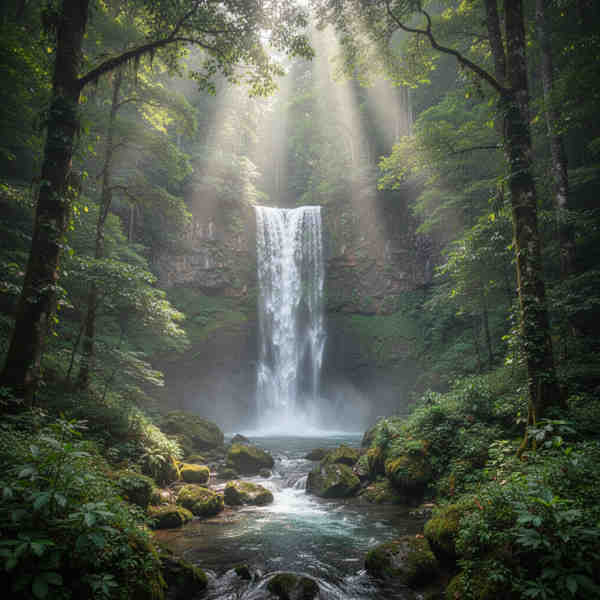
Describe any scene, object, or concept in natural language and Grok Imagine creates a photorealistic image. From fantasy landscapes to product mockups — the model understands context, composition, and style.

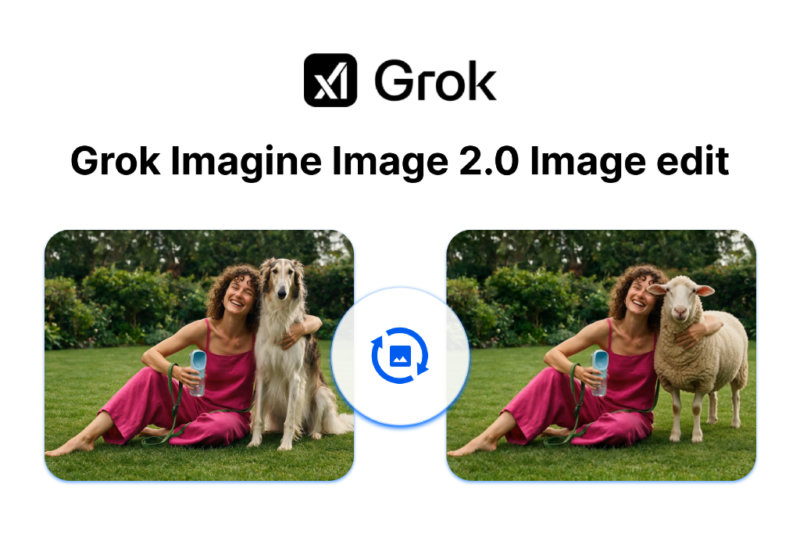
Image Editing

Modify existing images with text instructions. Change backgrounds, add or remove objects, adjust lighting and colors — all with simple prompts. Grok Imagine applies edits while preserving image quality.

High-Resolution Output

Generate detailed, high-quality images up to 1024x1024 pixels. Perfect for print materials, social media content, and professional design work that demands clarity and fine detail.

Fast Inference

Generate images in seconds on dedicated GPU infrastructure. No waiting in queues — Grok Imagine delivers results quickly for rapid iteration and high-volume workflows.
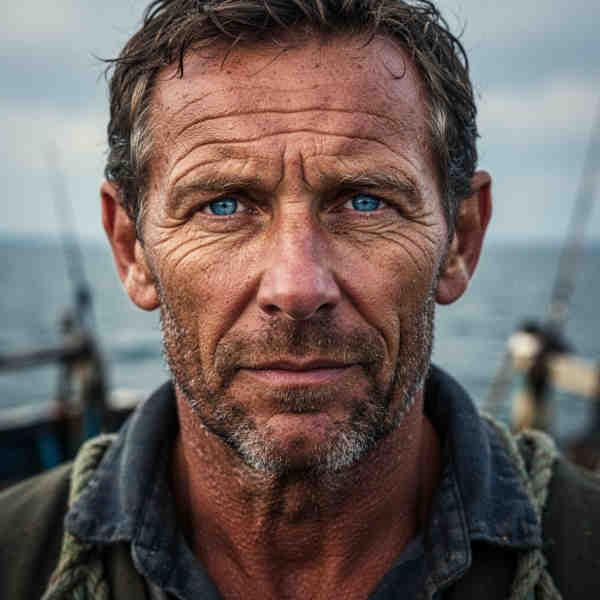
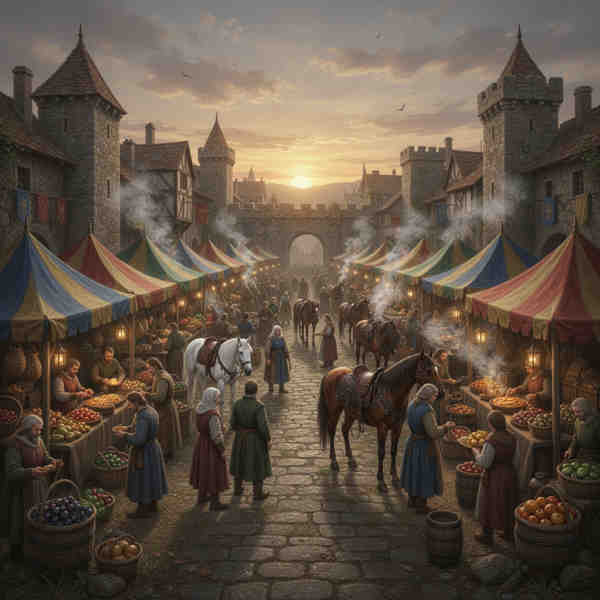
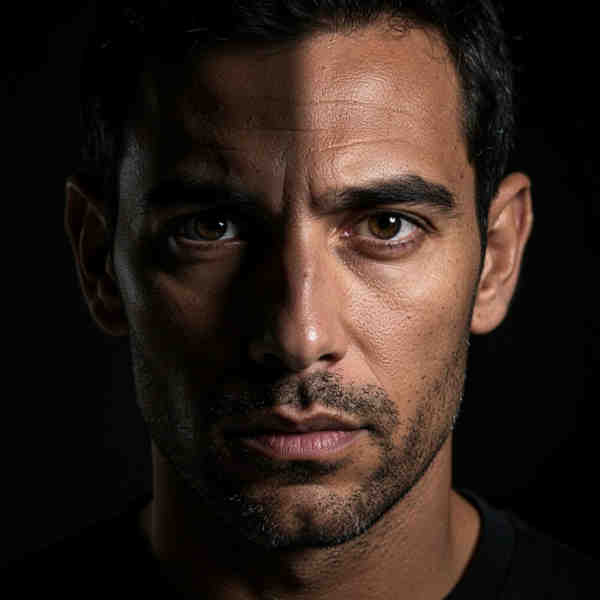
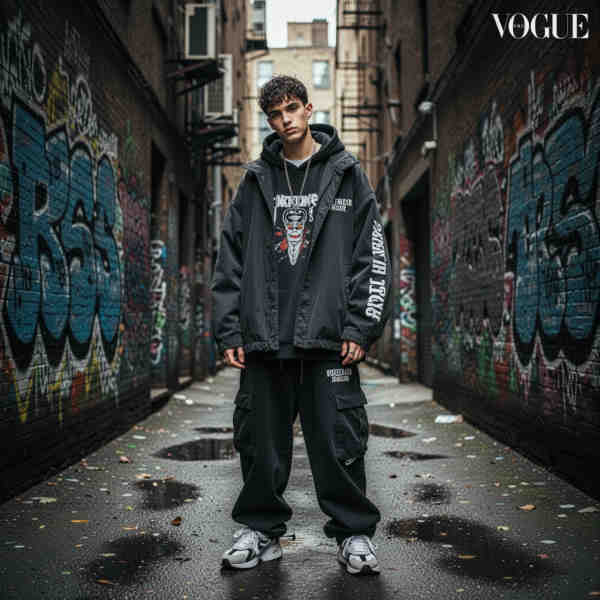
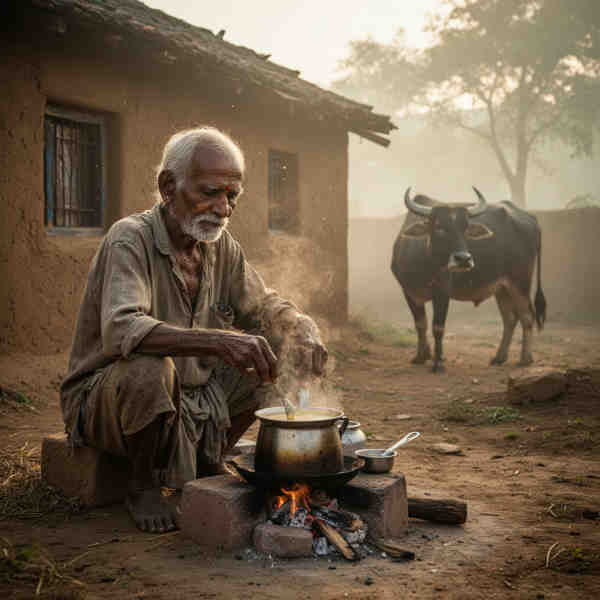
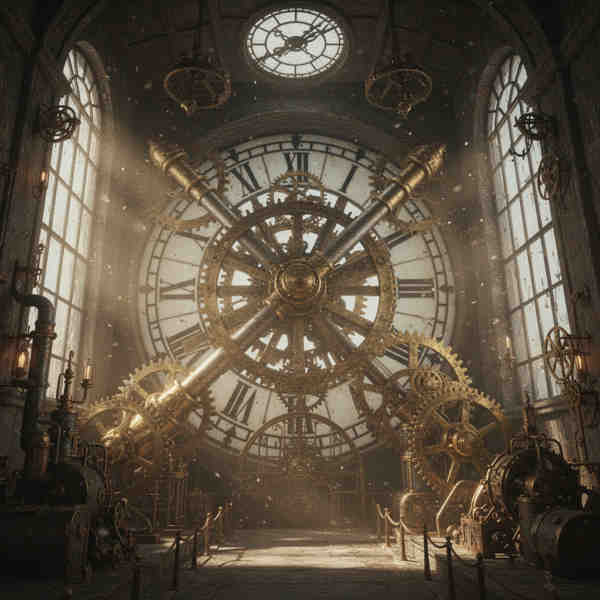
Text-to-Image Generation
Example of AI outpainting result

xAI's image generation model accessible via playground and API on ModelsLab.

How Grok Imagine Works

Generate AI images with xAI's model in three simple steps.

STEP 01
STEP 01

Step 1: Enter Your Prompt or Upload an Image

Describe the image you want to create with a text prompt, or upload an existing image to edit. Grok Imagine supports both text-to-image and image-to-image workflows.

STEP 02
STEP 02

Step 2: Grok Imagine Generates Your Image

xAI's model processes your request and generates a high-quality image in seconds. The API returns a URL to the generated image ready for download or display.

STEP 03
STEP 03

Step 3: Download or Retrieve via API

Download the generated image directly from the playground, or integrate the API into your application for automated image generation at scale.

Grok Imagine API — Code Example

Generate images with Grok Imagine using a simple API call

Python — Grok Imagine Text to Image

import requests
response = requests.post(
"https://modelslab.com/api/v7/images/text-to-image",
json={
"prompt": "a futuristic city at sunset, "
"photorealistic, cinematic lighting",
"model_id": "grok-imagine-image-t2i",
"width": 1024, "height": 1024,
"samples": 1
},
headers={"key": "YOUR_API_KEY"}
)
print(response.json()["output"][0])

Grok Imagine vs Other AI Image Generators

FeatureGrok Imagine (via ModelsLab)OpenAI GPT ImageMidjourney
API AccessFull REST APIOpenAI APINo API
Access MethodAPI + PlaygroundAPI + ChatGPTWeb app and Discord
Image EditingYesYesNo
Alternative Models10,000+ on ModelsLabOpenAI models onlyMidjourney's own models only
PricingPay-per-image from $0.001Per token, by size and quality$10–$120/month
Custom Model TrainingLoRA fine-tuning availableNoNo

Why Use Grok Imagine on ModelsLab?

Key advantages that set us apart

xAI's latest image generation model
Text-to-image from natural language prompts
Image editing with text instructions
Fast generation in seconds
RESTful API with full documentation
No xAI account or API key needed
Plans from $21/month; Grok Imagine usage is billed per call
Python and JavaScript SDKs
Batch processing for high-volume workflows
High-resolution output up to 1024x1024
Comprehensive developer documentation
Developer support via Discord, email and live chat

Our Popular Use Cases

Applications powered by Grok Imagine:

Generate custom illustrations, concept art, and visual assets for creative projects. Designers use Grok Imagine to rapidly prototype ideas and explore visual directions.

Creative Design

Related AI Image Tools

Your Data is Secure: GDPR Compliant AI Services

ModelsLab GDPR Compliance Certification Badge

GDPR Compliant

Plans from $21 a month

Basic is $21/month and Standard $47/month; self-hosted image models cost $0.0047 per image from that allowance. Open Source Unlimited is $149/month with no per-image charge on self-hosted models. Every plan covers Flux, SDXL and 10,000+ community models. Cancel anytime.

100% refund policy on monthly & yearly plans — cancel anytime

Contact Sales
Best Value

Open Source Unlimited

Mission-Critical

$149/month

100% refund policy · cancel anytime

Unlimited Open Source Models
100% refund policy
24x7 Support
15 parallel generations
Access to all APIs
Unlimited generations on all open-source models
For mission critical workloads
Add Team Members
Priority GPU Clusters
Most Popular

Standard

Production

$47/month

100% refund policy · cancel anytime

Moderate Traffic
100% refund policy
Priority Developer Support
10 concurrent API requests
For Production workloads
API access to all models
Prototype

Basic

Prototype

$21/month

100% refund policy · cancel anytime

Moderate Traffic
100% refund policy
Developer Support via Discord/Email
5 concurrent API requests
API access to all models
Shared GPU
Testimonials

Trusted by 450+ teams on dedicated GPUs

See how developers and engineering teams scale generative pipelines with ModelsLab.

ModelsLab's Voice Cloning and Audio APIs revolutionized how we approach character development in our games. It's like having a full studio of voice actors running on dedicated infrastructure.
Alex Rivera

Alex Rivera

Lead Game Developer at Voxel Studios

The LLM and image generation APIs made multi-model pipelines trivial. One unified API key replaced four separate vendor contracts and cut our queue latency in half.

John Hernandez

John Hernandez

AI Systems Architect at Synthetix AI

The ease of creating lifelike voiceovers for our e-learning courses has dramatically increased engagement. 99.9% uptime and instant API response have made it essential to our stack.

Priya Singh

Priya Singh

Instructional Designer at LearnStream Media

Dedicated GPU clusters gave our production pipelines the throughput we needed without unpredictable rate limits or cold starts. Excellent developer experience.
Michael Chen

Michael Chen

Digital Marketing Manager at Nexus Studio

Get expert support

We're Here to Help.

Want to know more? You can email us anytime at support@modelslab.com

View Docs

ModelsLab is a paid service. Plans start at $21/month, and Grok Imagine is billed per generation from wallet balance on top because it is an xAI third-party model. Creating an account costs nothing; generating requires an active plan.

No. ModelsLab routes Grok Imagine through a single REST API — you only need a ModelsLab API key. You don't sign up for xAI, generate a separate key, or manage xAI billing.

Call /api/v7/images/image-to-image with model_id 'grok-imagine-image-edit', pass an init_image URL plus an instruction prompt (e.g. 'change background to snowy mountains'). Grok Imagine applies the edit and returns the modified image URL.

ModelsLab uses pay-per-image pricing starting around $0.001 per generation. Much cheaper than DALL-E 3 ($0.04+ per image) and Midjourney ($10-60/month). Video generation with Grok Imagine image-to-video is priced per clip, with transparent rates published on the pricing page.

Yes. Grok Imagine image-to-video is available at /models/xai/grok-imagine-image-to-video. You pass an input image and an optional motion prompt; the API returns an MP4 clip. Text-to-video directly via Grok is rolling out — use Kling or Seedance 2 on ModelsLab in the meantime.

Grok Imagine has full REST API access (DALL-E: OpenAI only; Midjourney: no production API). Image editing works via text instructions on Grok (limited on DALL-E, absent on Midjourney), and it costs a fraction of DALL-E per generation.

Use 'grok-imagine-image-edit' for text-to-image and image-to-image, and 'grok-imagine-image-to-video' for image-to-video. Full endpoint docs live at docs.modelslab.com.

Up to 1024×1024 for square output, and common aspect ratios (16:9, 9:16, 3:2, 2:3) up to 1024px on the short side. For higher-resolution output, pair Grok Imagine with the Real-ESRGAN upscaler on ModelsLab for 4× enhancement.

Yes. The ModelsLab Python SDK wraps all image endpoints including Grok Imagine. You can also call the REST endpoint directly with the `requests` library — we publish an OpenAPI spec so any autogenerated client works.

Yes. Pass a webhook URL in the request body and ModelsLab POSTs the finished image or video to your endpoint when generation completes — useful for long-running video jobs or high-throughput batch image workflows.
Plugins

Explore Plugins for Pro

Our plugins are designed to work with the most popular content creation software.

API

Build Apps with
ML
API

Use our API to build apps, generate AI art, create videos, and produce audio with ease.

Grok Imagine API models

Every Grok Imagine model on ModelsLab, with the task it runs and the price billed per unit. Each one has its own page with a playground and API docs.

ModelTaskPriceModel ID
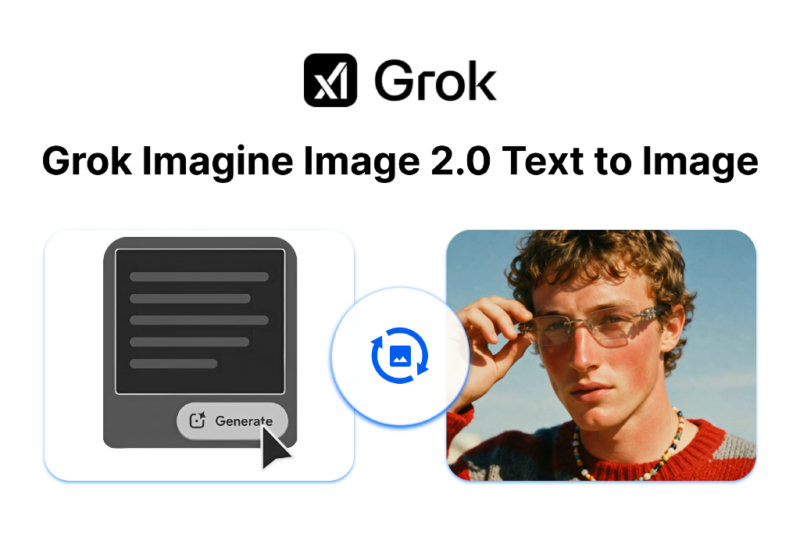
Grok Imagine Image 2.0 Image EditingImage to ImageFrom $0.072 per generationgrok-imagine-image-2.0-i2i
Grok Imagine Image 2.0 Text To ImageText to ImageFrom $0.072 per generationgrok-imagine-image-2.0-t2i
Grok Imagine Image EditImage to Image$0.03 per imagegrok-imagine-image-i2i
Grok Imagine Text To ImageText to Image$0.024 per imagegrok-imagine-image-t2i
Grok Imagine 1.5 Preview Image to VideoImage to VideoFrom $0.096 per second of videogrok-imagine-video-1.5-preview
Grok Imagine Image To VideoImage to VideoFrom $0.06 per second of videogrok-imagine-video-i2v
Grok Imagine Text To VideoText to VideoFrom $0.06 per second of videogrok-imagine-video-t2v

Grok Imagine API quickstart

Call grok-imagine-video-t2v with your API key:

curl --request POST \
  --url https://modelslab.com/api/v7/video-fusion/text-to-video \
  --header "Content-Type: application/json" \
  --data '{
    "key": "YOUR_API_KEY",
    "model_id": "grok-imagine-video-t2v",
    "prompt": "A dramatic, high-intensity street scene where two massive bulls are fighting violently in the middle of a narrow urban street, dust and debris flying into the air, intense energy and raw power. The bulls clash head-to-head, horns locked, muscles flexing, hooves smashing against the road. Nearby buildings shake slightly from the impact. Shocked bystanders stand at a safe distance, some recording on their phones. Sunlight streams through the narrow street, creating cinematic lighting and dramatic shadows. Slow-motion moments show dust particles and sweat flying. Ultra-realistic, hyper-detailed textures, dynamic camera movement, cinematic depth of field, motion blur, dramatic atmosphere, action-packed, realistic physics, handheld camera feel, natural lighting, epic cinematic style.",
    "resolution": "480p",
    "duration": "6"
}'