
Bad-Picture Negative Embedding For ChilloutMix
by ModelsLabMarch 17, 2023 edit: quick note on how to use a negative embeddings. You download the file and put it into your embeddings folder. Since I use A1111 Webui, that is stable-diffusion-webui/embeddings. If you use a different program you will have to check with its documentation on where to put embeddings.
After you have put the file in the appropriate folder, you then use the embedding by entering its name into the "negative prompt" box instead of the normal prompt. The name, by default, will be either bad-picture-chill-75v, bad-picture-chill-32v, or bad-picture-chill-1v, depending on which one you downloaded. If you rename the file, that will change the activation word to whatever you renamed the file. So if you renamed "bad-picture-chill-75v.pt" to "pizza-is-great.pt" the activation phrase changes to "pizza-is-great"
End of edit.
This is a "bad prompt" style embedding- it is trained to be used in the negative prompt. It is made specifically for ChilloutMix (version chilloutmix_NiPrunedFp32Fix.safetensors [fc2511737a]), so it may or may not work well on a non-chilloutmix model. The prompts used for the pictures were mostly taken from the comment section on the ChilloutMix page.
It comes in 1 vector, 32 vector, and 75 vector versions- the higher you go, the more detail you will be able to squeeze out, but the closer you will get to deep-frying your image. Check out the comparison images that I uploaded as part of the 75 vector version- you'll probably have to right-click and "open image in new tab" to properly zoom in.
The 'Training Images" download for each version is a .zip that has all the saved .pt versions that were generated during the training. Look there if you want a version that has more or less steps. If you want the actual training images, click on the "Actual Training Images" version which should be below the 1V version of the embedding.
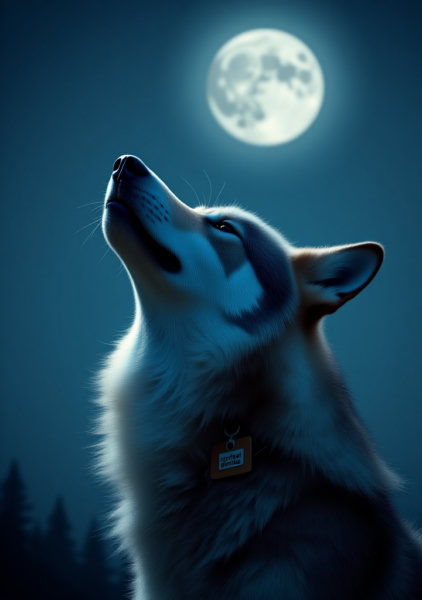
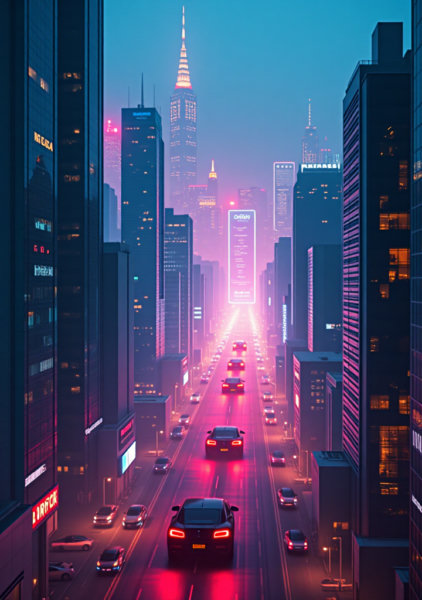
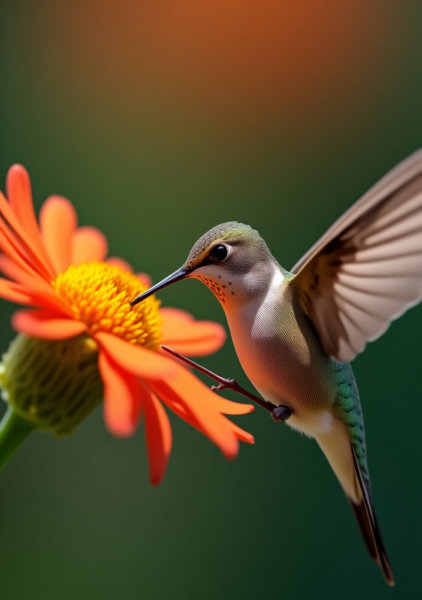
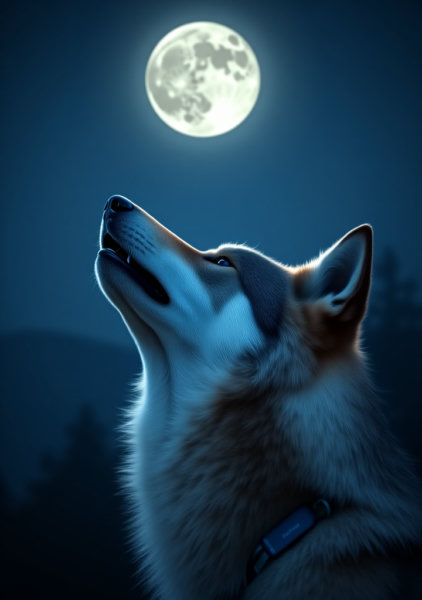
Preview images: all preview images were generated at 512x512 with highres enabled @ a factor of 2 and 0.75 denoising, resulting in a final image of 1024x1024. Model: chilloutmix_NiPrunedFp32Fix.safetensors [fc2511737a]
Sometimes the original prompt or original negative prompt will include a LORA or embedding- here are links to them. Note: these are not used in the single image previews, only the original prompts that I borrowed and put into the stacked comparison images.
bad-picture-negativeInput
Output
Unknown content type
Looking for something different?
Models that trade off differently against the one you are viewing
Better quality
Newer flagship models that generally produce stronger results.
Faster Generation
Built for speed when you are iterating on a prompt.
Related Models
Discover similar models you might be interested in

About Bad-Picture Negative Embedding For ChilloutMix
March 17, 2023 edit: quick note on how to use a negative embeddings. You download the file and put it into your embeddings folder. Since I use A1111 Webui, that is stable-diffusion-webui/embeddings. If you use a different program you will have to check with its documentation on where to put embeddings. After you have put the file in the appropriate folder, you then use the embedding by entering its name into the "negative prompt" box instead of the normal prompt. The name, by default, will be ei
Technical Specifications
- Model ID
- bad-picture-negative
- Provider
- ModelsLab
- Task
- AI Generation
- Price
- $0.0047 per API call
- Added
- September 17, 2023
Quick Start
Integrate Bad-Picture Negative Embedding For ChilloutMix into your application with a single API call. Get your API key from the pricing page to get started.
import requestsimport jsonurl = "https://modelslab.com/api/v6/images/text2img"headers = {"Content-Type": "application/json"}data = {"model_id": "bad-picture-negative","prompt": "your prompt here","key": "YOUR_API_KEY"}try:response = requests.post(url, headers=headers, json=data)response.raise_for_status() # Raises an HTTPError for bad responses (4XX or 5XX)result = response.json()print("API Response:")print(json.dumps(result, indent=2))except requests.exceptions.HTTPError as http_err:print(f"HTTP error occurred: {http_err} - {response.text}")except Exception as err:print(f"Other error occurred: {err}")
Pricing
Bad-Picture Negative Embedding For ChilloutMix API costs $0.0047 per API call. Plans start at $21/month, and open-source models are unlimited on the $149/month plan. View pricing plans