
Zavychromaxl-V6
by ModelsLabTo better understand the preferences of the model, individuals are encouraged to utilise the provided prompts as a foundation and then customise, modify, or expand upon them according to their desired objectives.
Ditch the refiner, an img2img ultimate SD upscaler gets better results when you select this model for it.
Consider using face restoration techniques when the result for the face is subpar, but the rest of the image is interesting.
If you find that the details in your work are lacking, consider using wowifier if you’re unable to fix it with prompt alone. wowifier or similar tools can enhance and enrich the level of detail, resulting in a more compelling output.
ComfyUI is the UI I use for my SDXL images.
Your 1.5 LORAs won't work in SDXL.
Consider finding new prompts, don't use the standard 1.5 ones. SDXL likes a combination of a natural sentence with some keywords added behind.
To maintain optimal results and avoid excessive duplication of subjects, limit the generated image size to a maximum of 1024x1024 pixels or 640x1536 (or vice versa). If you require higher resolutions, it is recommended to utilise the Hires fix, followed by the img2img upscale technique, with particular emphasis on the controlnet tile upscale method. This approach will help you achieve superior results when aiming for higher resolution outputs. However, as this workflow doesn't work with SDXL yet, you may want to use an SD1.5 model for the img2img step.
zavychromaxl-v6Input
Output
Unknown content type
Looking for something different?
Models that trade off differently against the one you are viewing
Better quality
Newer flagship models that generally produce stronger results.

Faster Generation
Built for speed when you are iterating on a prompt.
Related Models
Discover similar models you might be interested in
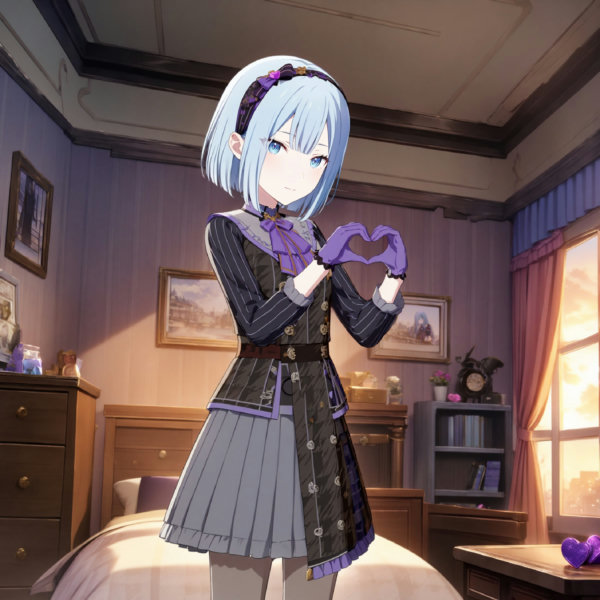

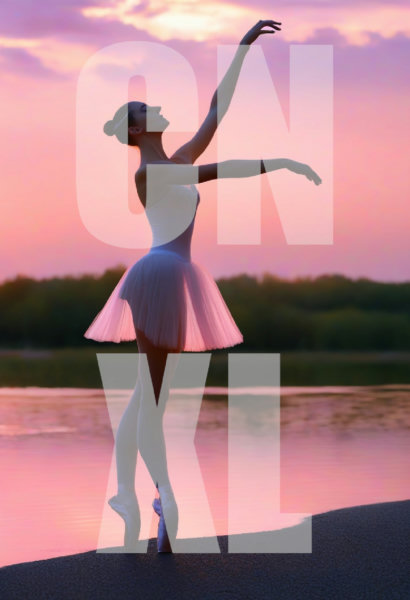
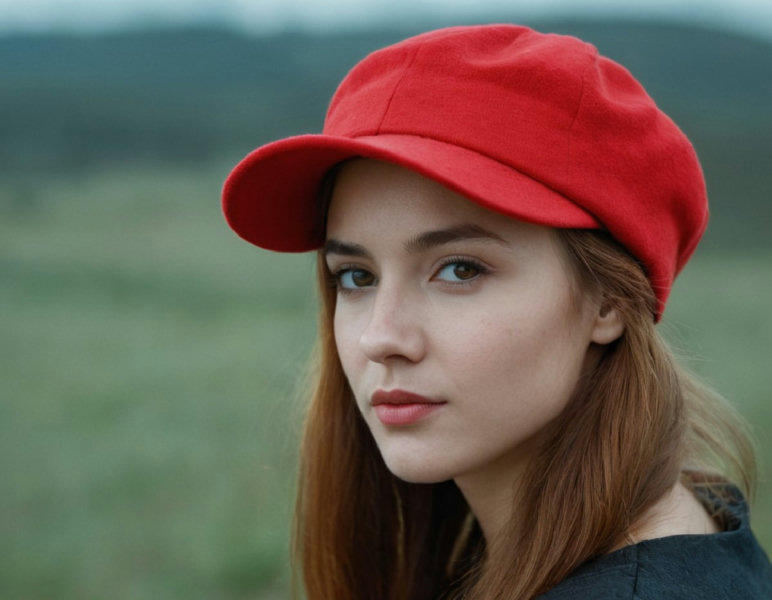
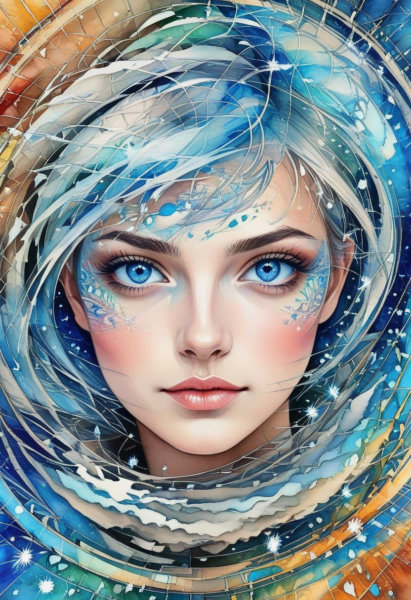
![Ferdinand Clooney (Arknights) [LoRA] - v1.3 Animagine XL V3.1](https://images.modelslab.sh/?Image=https://image.civitai.com/xG1nkqKTMzGDvpLrqFT7WA/6ed4130d-c0bf-4f47-aacc-f8abf558c6a4/width=768/34350078.jpeg)
About Zavychromaxl-V6
To better understand the preferences of the model, individuals are encouraged to utilise the provided prompts as a foundation and then customise, modify, or expand upon them according to their desired objectives. Ditch the refiner, an img2img ultimate SD upscaler gets better results when you select this model for it. Consider using face restoration techniques when the result for the face is subpar, but the rest of the image is interesting. If you find that the details in your work are lacking
Technical Specifications
- Model ID
- zavychromaxl-v6
- Provider
- ModelsLab
- Task
- AI Generation
- Price
- $0.0047 per API call
- Added
- April 13, 2024
Quick Start
Integrate Zavychromaxl-V6 into your application with a single API call. Get your API key from the pricing page to get started.
import requestsimport jsonurl = "https://modelslab.com/api/v6/images/text2img"headers = {"Content-Type": "application/json"}data = {"model_id": "zavychromaxl-v6","prompt": "your prompt here","key": "YOUR_API_KEY"}try:response = requests.post(url, headers=headers, json=data)response.raise_for_status() # Raises an HTTPError for bad responses (4XX or 5XX)result = response.json()print("API Response:")print(json.dumps(result, indent=2))except requests.exceptions.HTTPError as http_err:print(f"HTTP error occurred: {http_err} - {response.text}")except Exception as err:print(f"Other error occurred: {err}")
Pricing
Zavychromaxl-V6 API costs $0.0047 per API call. Plans start at $21/month, and open-source models are unlimited on the $149/month plan. View pricing plans