
- V2.0 - Pruned
by ModelsLabYou can find my model in MAGE:
https://www.mage.space/play/6ca1d39307b630d427ae3560c03e7758
->
I hope I can remember everything there is to write, because there are a lot of new things!
Let's start immediately with the sampler used: Euler Max. (Infite thanks to nuaion https://civitai.com/user/nuaion who reported it to me)
The more attentive of you will have noticed that I used this sampler and many will be wondering how to get it and activate it.
Now I'll explain it to you straight away
1) Why Euler Max?
- Because with 30 Steps (minimum) it gives surprising results.
- Because it's fast
- But above all because it was created to fix the hands problem on SD1.5.
- It doesn't work miracles, but compared to before my hands are significantly improved!
- Installing it is simple, since an extension has been made which you can find here: https://github.com/licyk/advanced_euler_sampler_extension (if you click on "show more" in the model description, I have included step-by-step instructions to install it , for those who are not familiar)
2) I have a new favorite Negative Embedding:
CyberRealistic_Negative-neg.pt - https://civitai.com/models/77976/cyberrealistic-negative
The reason?
- Because it makes fewer composition errors than EasyNegative
- With the same steps, sampler and prompt it is more realistic
- Follows the prompt much better
3) Variety of faces
- Finally there is more facial variety (not much but it is there)
- Especially if: you deactivate the ADetailer (which I recommend doing if you intend to take images of: Close-up portraits and Anime in 2D version)
- If you add a nationality next to the 1girl suffix (example: 1 venezuelan girl)
- If you do not use negative embeddings, but use the suggested negative prompt: cartoon, painting, illustration, (grayscale:1.4), (worst quality:2), (low quality:2), (normal quality:2), ugly, fat, 3D rendering
4) Improved the language in the prompt
- It is no longer necessary to use (obviously if you want) words such as: masterpiece, best quality and so on
- To create a realistic image just start the prompt with: "a photo of..." or what I prefer, "raw photo, your prompt"
- For other styles, I always recommend starting the prompt with something like: (Anime Style), (Disney CGI Style), (Pixar CGI Style), (Pop-Art Style) and so on. For this type of style, I do not recommend using EasyNegative in the negative prompt because it will always tend to create "semi-realistic" or 2.5D images. So I would advise you to use the negative prompt without emebedding or with the cyerrealistic that I recommended a few lines above.
I can't list all the prompts used, I recommend using the PNG info tab or looking at the image prompts in the galleries I created, with the styles you like.
In broad terms these are the negatives used:
For Realism:
Negative prompt: (CyberRealistic_Negative-neg), cartoon, painting, illustration, (grayscale:1.4), (worst quality:2), (low quality:2), (normal quality:2), ugly, fat, 3D rendering, asian
Negative prompt: Cartoon, painting, illustration, (grayscale:1.4), (worst quality:2), (low quality:2), (normal quality:2), ugly, fat, 3D rendering, asian
Negative prompt: EasyNegative, cartoon, painting, illustration, (grayscale:1.4), (worst quality:2), (low quality:2), (normal quality:2), ugly, fat, 3D rendering, asian
For Anime:
Positive: ((Anime Style)), (2D), ((Cartoon)), YOUR PROMPT (perfectly-draw)
Negative prompt: worst quality, bad quality, ugly, 3D, 2.5D, CGI, octane, realism, realistic, semi-realism, semi-realistic, (grayscale:1.4)
-> Here, however, you can download the style.csv file (to be opened with Notepad++) where all my prompts are present
I must also say that this version of AniThing (of which I am definitely proud) would not have been born thanks to a very light merge with the SG_161222 model: https://civitai.com/user/SG_161222. So really Thank you!
Enjoy this version, experiment because there is so much to discover
---------------------
||VERSIONE ITALIANA||
---------------------
Spero di riuscire a ricordarmi tutto quello che c'è da scrivere, perchè di novità ce ne sono un sacco!
Iniziamo subito con il sampler utilizzato: Euler Max . (Infite grazie a nuaion https://civitai.com/user/nuaion che me lo segnalato)
I più attenti di voi avranno notato che ho utilizzato questo sampler e molti si chiederanno come averlo e attivarlo.
Adesso ve lo spiego subito
1) Perchè Euler Max?
- Perchè con 30 Steps (minimo) da risultati sorprendenti.
- Perchè è veloce
- Ma sopratutto perchè è nato per sistemare il problema delle mani su SD1.5.
- Non fa miracoli, ma rispetto a prima le mani sono nettamente migliorate!
- Per installarlo è semplice, visto che è stata fatta un estensione che trovate qui: https://github.com/licyk/advanced_euler_sampler_extension (se cliccate su "show more" nella descrizione del modello, ho inserito le istruzioni passo-passo per installarlo, per chi fosse poco pratico)
2) Ho un nuovo Embedding Negativo preferito:
CyberRealistic_Negative-neg.pt - https://civitai.com/models/77976/cyberrealistic-negative
Il motivo?
- Perchè fa meno errori di composizione rispetto a EasyNegative
- A parità di steps, sampler e prompt è più realistico
- Segue decisamente meglio il prompt
3) Varietà delle facce
- Finalmente c'è una maggiore varietà facciale (non molta ma c'è)
- Soprattutto se: si disattiva l'ADetailer (cosa che consiglio di fare se si ha intenzione di fare immagini di: Ritratti ravvicinati e Anime in versione 2D)
- Se si aggiunge una nazionalità vicino al suffisso 1girl (esempio: 1 venezuelan girl)
- Se non si usano gli embedding negativi, ma si utilizza il prompt negativo suggerito: cartoon, painting, illustration, (grayscale:1.4), (worst quality:2), (low quality:2), (normal quality:2), ugly, fat, 3D rendering
4) Migliorato il linguaggio nel prompt
- Non serve più utilizzare (ovviamente se si vuole) parole come: masterpiece, best quality e via dicendo
- Per creare un immagine realistica basterà iniziare il prompt con: "una foto di..." oppure quello che io preferisco, "raw photo, il tuo prompt"
- Per gli altri stili, consiglio sempre di iniziare il prompt con tipo: (Anime Style), (Disney CGI Style), (Pixar CGI Style), (Pop-Art Style) e via dicendo. Per questo tipi di style, sconsiglio l'utilizzo di EasyNegative nel prompt negativo perchè tenderà sempre a fare immagini "semi-realistiche" o in 2.5D. Per cui vi consiglierei di utilizzare il prompt negativo senza emebedding o con il cyerrealistic che ho cosnigliato poche righe sopra.
Non risco ad elencarvi tutti i prompt utilizzati, vi consiglio di utilizzare PNG info tab o guardare i prompt delle immagini delle gallerie che ho creato, con gli stili che vi piacciono.
A Grandi linee questi sono i negativi utlizzati:
Per il Realisimo:
Negative prompt: (CyberRealistic_Negative-neg), cartoon, painting, illustration, (grayscale:1.4), (worst quality:2), (low quality:2), (normal quality:2), ugly, fat, 3D rendering, asian
Negative prompt: Cartoon, painting, illustration, (grayscale:1.4), (worst quality:2), (low quality:2), (normal quality:2), ugly, fat, 3D rendering, asian
Negative prompt: EasyNegative, cartoon, painting, illustration, (grayscale:1.4), (worst quality:2), (low quality:2), (normal quality:2), ugly, fat, 3D rendering, asian
Per gli Anime:
Positive: ((Anime Style)), (2D), ((Cartoon)), YOUR PROMPT (perfectly-draw)
Negative prompt: worst quality, bad quality, ugly, 3D, 2.5D, CGI, octane, realism, realistic, semi-realism, semi-realistic, (grayscale:1.4)
-> Qui comunque potete scaricare il file style.csv (da aprire con Notepad++) dove sono presenti tutti i miei prompts
Devo anche dire che questa versione di AniThing (di cui sono decisamente orgoglioso) non sarebbe nata grazie ad un leggerissimo merge con il modello di SG_161222: https://civitai.com/user/SG_161222. So really Thank you!
Godetevi questa versione, sperimentate perchè c'è tanto da scoprire
v20prunedInput
Output
Unknown content type
Looking for something different?
Models that trade off differently against the one you are viewing
Better quality
Newer flagship models that generally produce stronger results.
Faster Generation
Built for speed when you are iterating on a prompt.
Related Models
Discover similar models you might be interested in
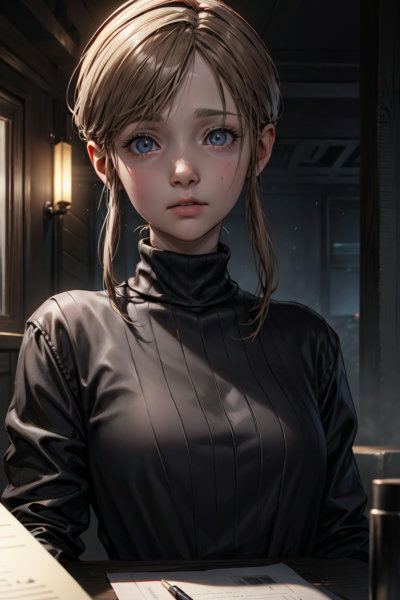
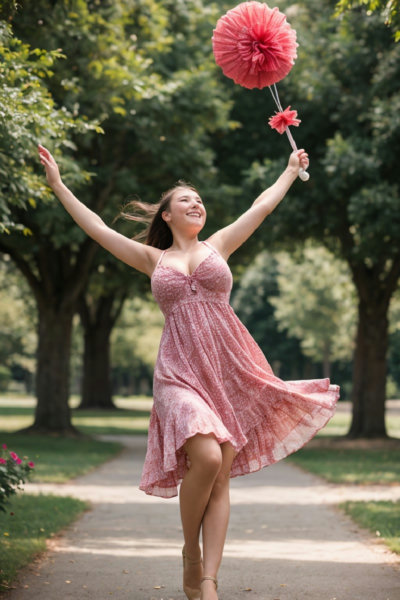
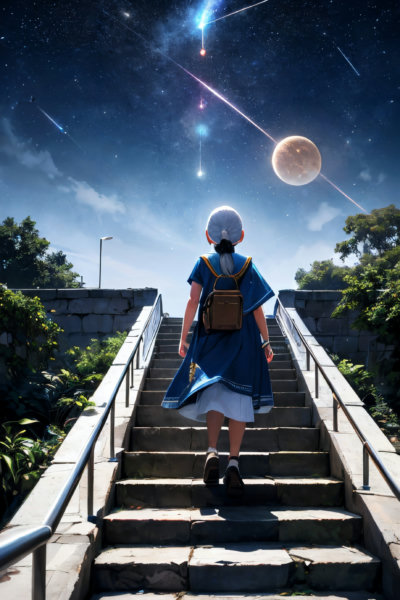
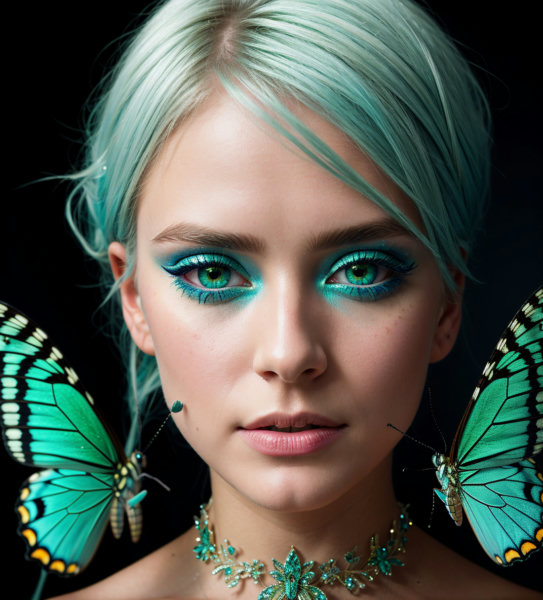
About - V2.0 - Pruned
You can find my model in MAGE:https://www.mage.space/play/6ca1d39307b630d427ae3560c03e7758->I hope I can remember everything there is to write, because there are a lot of new things!Let's start immediately with the sampler used: Euler Max. (Infite thanks to nuaion https://civitai.com/user/nuaion who reported it to me)The more attentive of you will have noticed that I used this sampler and many will be wondering how to get it and activate it.Now I'll explain it to you straight away1) Why Euler
Technical Specifications
- Model ID
- v20pruned
- Provider
- ModelsLab
- Task
- AI Generation
- Price
- $0.0047 per API call
- Added
- June 4, 2025
Quick Start
Integrate - V2.0 - Pruned into your application with a single API call. Get your API key from the pricing page to get started.
import requestsimport jsonurl = "https://modelslab.com/api/v6/images/text2img"headers = {"Content-Type": "application/json"}data = {"model_id": "v20pruned","prompt": "your prompt here","key": "YOUR_API_KEY"}try:response = requests.post(url, headers=headers, json=data)response.raise_for_status() # Raises an HTTPError for bad responses (4XX or 5XX)result = response.json()print("API Response:")print(json.dumps(result, indent=2))except requests.exceptions.HTTPError as http_err:print(f"HTTP error occurred: {http_err} - {response.text}")except Exception as err:print(f"Other error occurred: {err}")
Pricing
- V2.0 - Pruned API costs $0.0047 per API call. Plans start at $21/month, and open-source models are unlimited on the $149/month plan. View pricing plans