
Light And Shadow Atmosphere - V1.0
by ModelsLabModel reference instructionsPrompt can add facial descriptors such as delicate faces, which will have a much better effect. To draw cards, simply increase the total batch quantity and wait for the cards to be released.After Detailer facial repair plugin can be activated for facial collapse or full body above half bodyRecommended parameters:CLIP termination layers: 2vaeanimevae.ptIteration steps: 20~30Magnification factor: 2xMagnification algorithm: SwinIR-4xRedraw amplitude: 0.2Sampling method: DPM++2M KarrasRecommended resolution (both horizontal and vertical): Recommended to be 512 × 768Guidance coefficient for prompt words (CFG Scale): 7It is best not to turn on facial repair for facial collapse. It is recommended to use the above plugin for repairIf the image quality is not good, you can leave a message in the comment section and I will help solve it
light-and-shadow-atmosphere-v1-0Input
Output
Unknown content type
Looking for something different?
Models that trade off differently against the one you are viewing
Better quality
Newer flagship models that generally produce stronger results.
Faster Generation
Built for speed when you are iterating on a prompt.

Related Models
Discover similar models you might be interested in
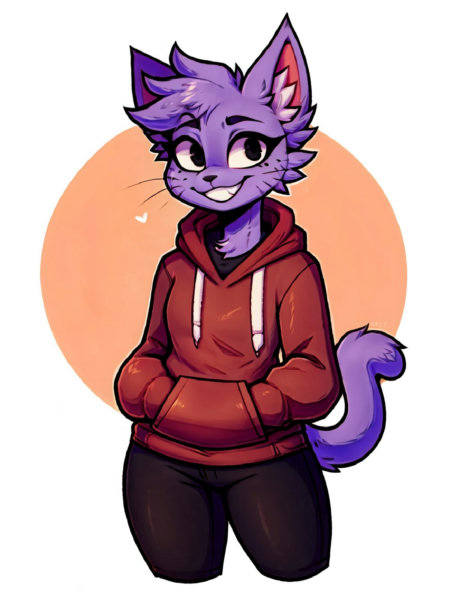
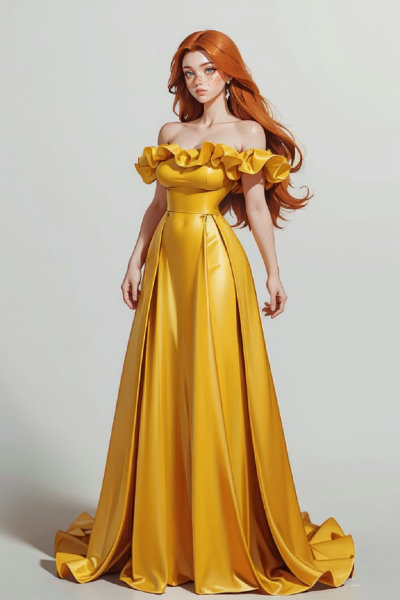
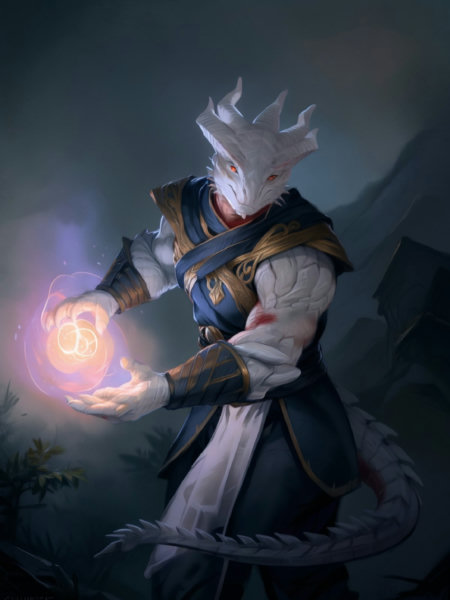
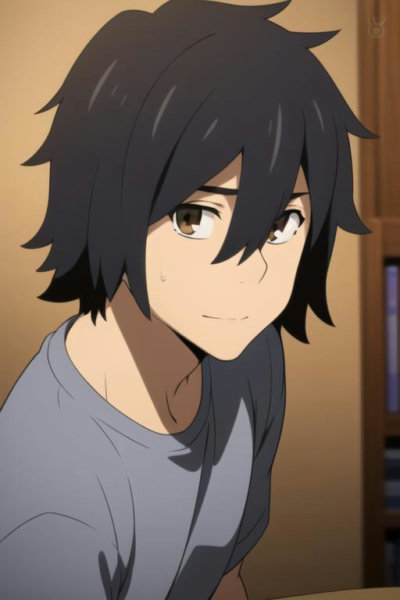
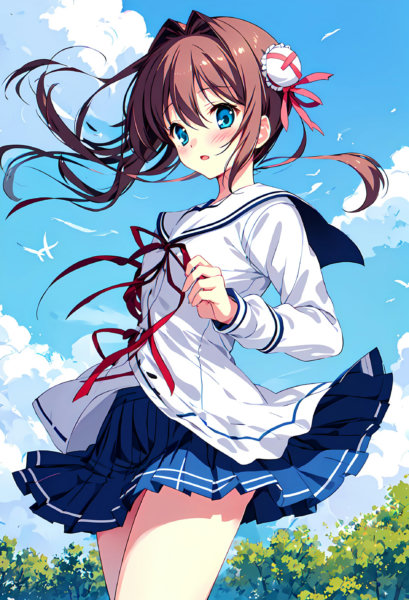
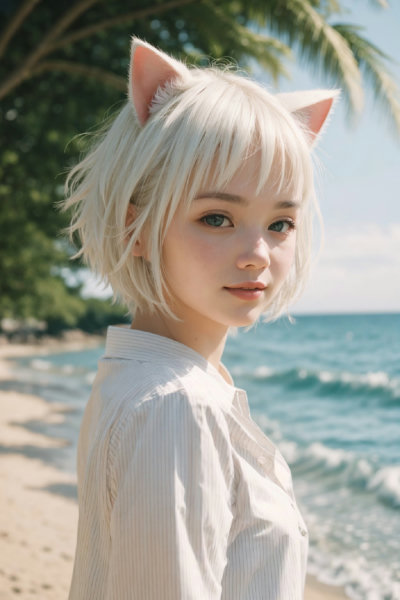
About Light And Shadow Atmosphere - V1.0
Model reference instructionsPrompt can add facial descriptors such as delicate faces, which will have a much better effect. To draw cards, simply increase the total batch quantity and wait for the cards to be released.After Detailer facial repair plugin can be activated for facial collapse or full body above half bodyRecommended parameters:CLIP termination layers: 2vaeanimevae.ptIteration steps: 2030Magnification factor: 2xMagnification algorithm: SwinIR-4xRedraw amplitude: 0.2Sampling method: D
Technical Specifications
- Model ID
- light-and-shadow-atmosphere-v1-0
- Provider
- ModelsLab
- Task
- AI Generation
- Price
- $0.0047 per API call
- Added
- June 4, 2025
Quick Start
Integrate Light And Shadow Atmosphere - V1.0 into your application with a single API call. Get your API key from the pricing page to get started.
import requestsimport jsonurl = "https://modelslab.com/api/v6/images/text2img"headers = {"Content-Type": "application/json"}data = {"model_id": "light-and-shadow-atmosphere-v1-0","prompt": "your prompt here","key": "YOUR_API_KEY"}try:response = requests.post(url, headers=headers, json=data)response.raise_for_status() # Raises an HTTPError for bad responses (4XX or 5XX)result = response.json()print("API Response:")print(json.dumps(result, indent=2))except requests.exceptions.HTTPError as http_err:print(f"HTTP error occurred: {http_err} - {response.text}")except Exception as err:print(f"Other error occurred: {err}")
Pricing
Light And Shadow Atmosphere - V1.0 API costs $0.0047 per API call. Plans start at $21/month, and open-source models are unlimited on the $149/month plan. View pricing plans