AI Inpainting API - Fill & Replace Image Regions
Last updated · By ModelsLab Engineering
Experience the best AI inpainting technology. Our AI inpainting tool effortlessly repairs, enhances, and reconstructs images with content-aware filling. Transform your images with just a few clicks.
Trusted by
API Requests Processed
Registered Users
Discord Community Members
Available AI APIs
GPUs in Our Own Datacenter
Advanced AI Inpainting Features
Discover what makes our AI inpainting tool the best choice for your image editing needs:
Advanced Content-Aware Filling with AI Inpainting
Effortlessly fill missing pixels and perform seamless image reconstruction with our intelligent AI inpainting technology.
Superior AI Content Enhancement
Our AI inpainting tool provides digital image enhancement features to fix blurring, remove pixelation, and denoise pictures for crystal-clear results.
Custom Prompts for Generative AI Inpainting
Achieve unique style enhancements with custom prompts. Define visual attributes using up to 77 words and generate up to 4 image samples.
Comprehensive AI Image Editing Tool
Beyond AI inpainting, access a full suite of AI image editing tools: crop, resize, rotate, mirror, flip, transform, and more.
Effortless AI Object Removal
Our AI inpainting excels at automatic object removal from foreground or background. Perform precise image retouching and cleanup with ease.
Non-Destructive AI Photo Restoration
Utilize our AI inpainting algorithm for repairing damaged photos. Experience powerful, non-destructive image restoration for your valuable pictures.
Realistic Detail Generation with Inpainting AI
Our creative inpainting AI techniques realistically generate missing details. Simply brush over lost elements with our AI image recreator to fill gaps naturally.
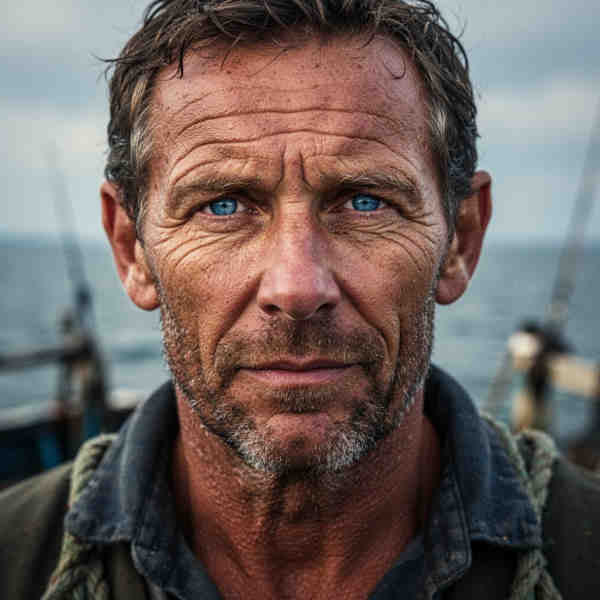
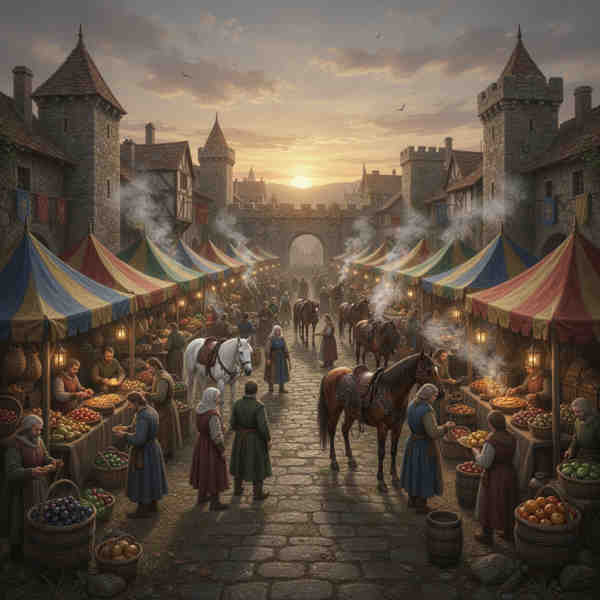

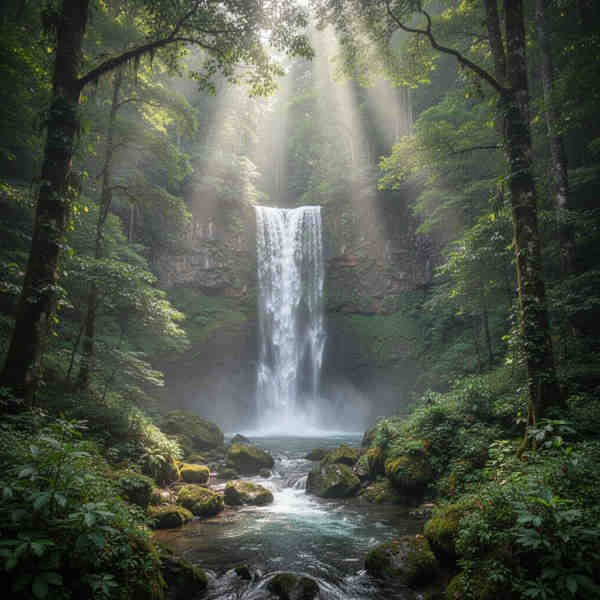










How to Use Our AI Inpainting Tool: A Step-by-Step Guide
Follow these five simple steps to generate incredible images with ModelsLab's AI Inpainting technology:
1. Upload Your Image for AI Inpainting
Begin by uploading the image you want to modify. Select your preferred brush size and type for precise AI inpainting.
2. Create a Mask for Inpainting AI
Define the specific area for AI inpainting by creating a mask. This tells the inpainting AI exactly where to work its magic.
3. Choose the AI Inpaint Option
Select the 'Inpaint' option under our 'AI Magic' tools to activate the AI image inpainting feature.
4. Enter Your Prompt for Generative AI Inpainting
Provide a descriptive text prompt for the generative AI inpainting. Adjust the strength to control the intensity of the AI modifications.
5. Generate Your AI Inpainted Image
Click the 'Generate' button and let our AI inpainting tool create your enhanced image. Preview and download your results.
Explore More AI Tools from ModelsLab
AI Logo Generator
Instantly design unique and professional logos for your brand, powered by AI.
Image Extending & Outpainting
Seamlessly expand your images, adapt aspect ratios, and render new content beyond original boundaries with our AI.
AI Avatar Generator (SDXL)
Create custom AI-generated virtual avatars using the latest SDXL models for any style.
AI Headshot Generator
Generate professional AI headshots and profile pictures. Utilize customizable, trained models for accurate and high-quality results.
Virtual Try-On Fashion API
Let users visualize outfits on diverse body types, heights, and styles with our AI Fashion API. Enable virtual try-ons and generate before-and-after shots.
Why Choose ModelsLab for Your AI Inpainting Needs?
Key advantages that set us apart
Our Popular Use Cases
Explore the diverse applications of our powerful image inpainting AI tool:
Utilize our AI inpainting tool to generate stunning illustrations, airbrushed sketches, paintings, marketing visuals, social media posts, and concept art for entertainment with generative AI inpainting.
Your Data is Secure: GDPR Compliant AI Services
GDPR Compliant
Plans from $21 a month
Basic is $21/month and Standard $47/month; self-hosted image models cost $0.0047 per image from that allowance. Open Source Unlimited is $149/month with no per-image charge on self-hosted models. Every plan covers Flux, SDXL and 10,000+ community models. Cancel anytime.
100% refund policy on monthly & yearly plans — cancel anytime
Open Source Unlimited
Mission-Critical
100% refund policy · cancel anytime
Standard
Production
100% refund policy · cancel anytime
Basic
Prototype
100% refund policy · cancel anytime
Trusted by Enterprise Teams Worldwide
Enterprise Success Stories
“
ModelsLab's Voice Cloning API has revolutionized how we approach character development in our games. It's like having a studio full of voice actors at our fingertips!

Alex Rivera
Game Developer at TVC
“
The ease of creating lifelike voiceovers for our e-learning courses has dramatically increased engagement. A real breakthrough for educational content!

Priya Singh
Instructional Designer at TVC1
“
The LLM Chat API has dramatically helped me in how I approach chat integration. It's like giving an AI voice to my application, making it truly engaging. Thanks, ModelsLab!

John H.
Developer Enthusiast at Mr
“
Voice Cloning from ModelsLab gave our marketing campaigns a unique edge with custom, realistic voiceovers. It's incredibly easy to use and effective.

Michael Chen
Digital Marketing Manager at TVC2
Get Expert Support in Seconds
We're Here to Help.
Want to know more? You can email us anytime at support@modelslab.com
Explore Our Other Solutions
Unlock your creative potential and scale your business with ModelsLab's comprehensive suite of AI-powered solutions.
AI Audio Generation
Text-to-speech, voice cloning, music generation, and audio processing APIs.
AI Video Generation & Tools
Create, edit, and enhance videos with AI-powered generation and transformation tools.
Engage Seamlessly with LLM
Access powerful language models for chatbots, content generation, and AI assistants.
Create Stunning 3D Models
Transform images and text into 3D models with advanced AI-powered generation.
Explore Plugins for Pro
Our plugins are designed to work with the most popular content creation software.
Build Apps with ModelsLabML API
Use our API to build apps, generate AI art, create videos, and produce audio with ease.