Veo 3 API Google's AI Video Generator
Generate stunning AI videos with Google Veo on ModelsLab. Access Veo 3, Veo 3.1, and Veo 3.1 Fast — all through one API.
Available Veo Models on ModelsLab
Veo 3.1
Latest Veo model with improved motion coherence and visual quality.
Veo 3.1 Fast
Optimized for speed — generate videos quickly with good quality.
Veo 3.0 Fast
Previous generation with fast inference for quick iterations.
Veo 3.0 Preview
Preview mode for testing before committing to full generation.
Trusted by
API Requests Processed
Registered Users
Discord Community Members
Available AI APIs
GPUs in Our Own Datacenter
What is Google Veo?
Veo is Google DeepMind's state-of-the-art AI video generation model, capable of creating high-quality videos from text and image prompts.
What is Veo 3?
Veo 3 is Google DeepMind's latest AI video generation model, announced in 2024. It can generate high-quality, realistic videos from text prompts with unprecedented detail and motion coherence. Veo 3 produces videos with improved physics understanding, better temporal consistency, and more natural movements compared to previous models.
Text-to-Video Generation
Describe your video in natural language and Veo generates it. From "a drone shot flying over a tropical beach at sunset" to "a product rotating on a minimalist backdrop" — Veo understands complex prompts and produces professional-quality video clips with accurate lighting, reflections, and physics.
Image-to-Video Animation
Transform static images into dynamic videos. Upload a product photo, artwork, or any image and Veo will animate it with realistic motion. Perfect for bringing marketing materials, concept art, and social media content to life without manual video editing.
High-Resolution Output
Generate videos up to 1080p resolution with smooth frame rates. Veo produces broadcast-quality output suitable for YouTube, social media marketing, advertising campaigns, and professional video production workflows.







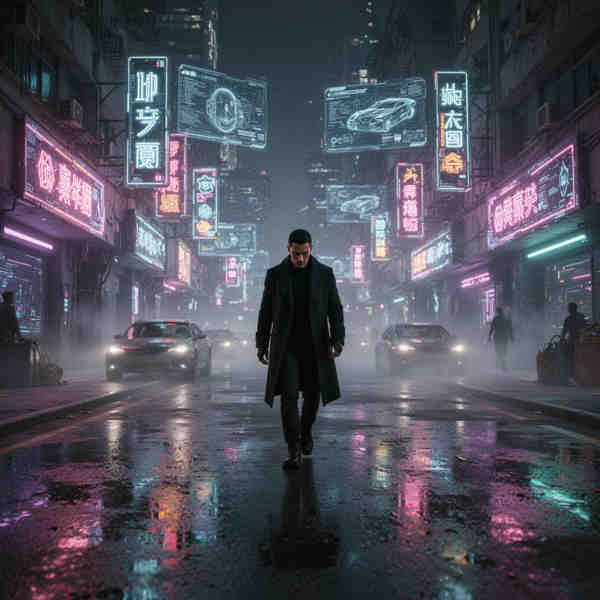
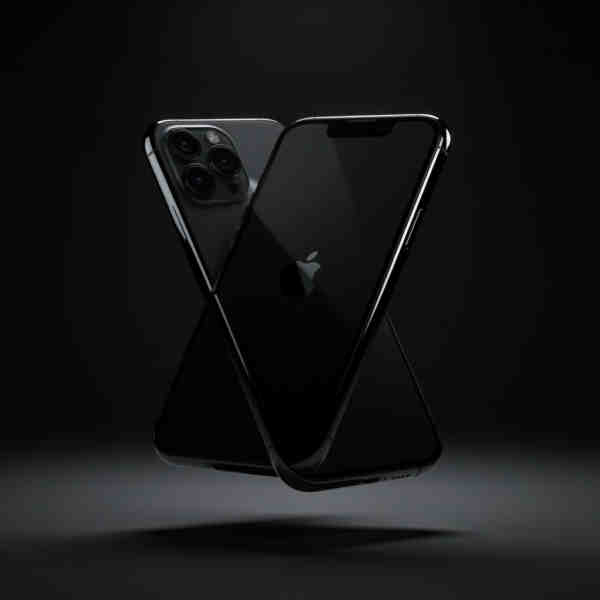



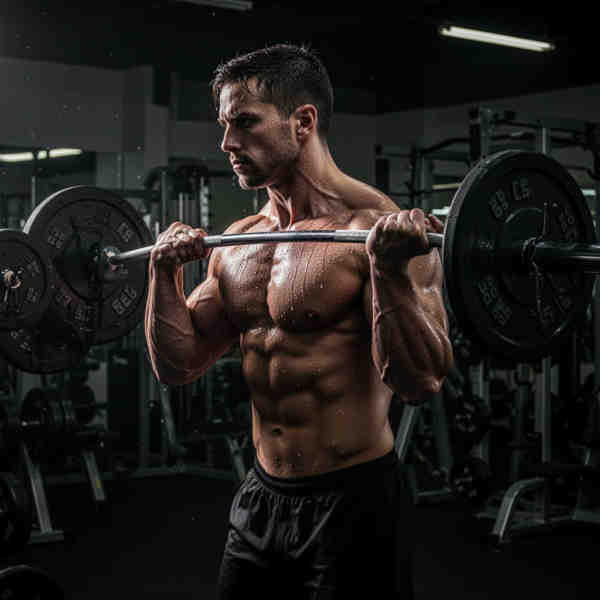






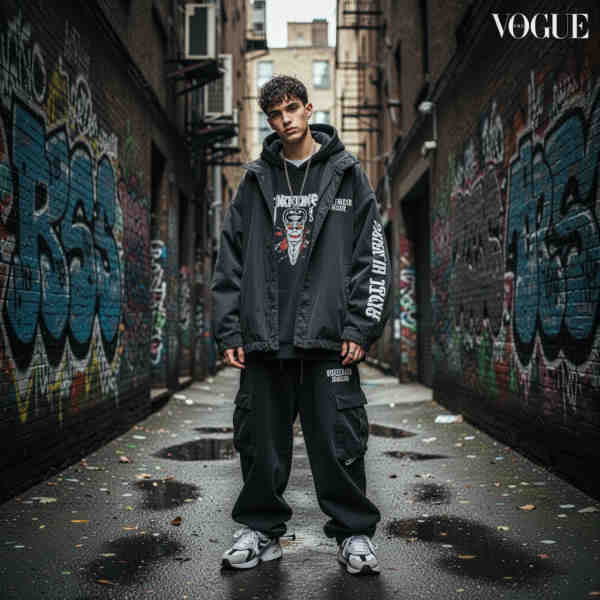



From marketing videos to creative content — Veo 3 handles professional video generation at scale via ModelsLab's unified API.
How to Use Veo on ModelsLab
Generate AI videos with Google Veo in three simple steps.
Step 1: Choose Your Veo Model
Select from Veo 3.1 (highest quality), Veo 3.1 Fast (speed optimized), or Veo 3.0 variants. Each model is optimized for different use cases — from quick iterations to final production.
Step 2: Enter Your Prompt
Describe your desired video in detail. Include scene description, camera movements, lighting, mood, and any specific elements you want. The more detailed your prompt, the better the output.
Step 3: Generate and Download
Click generate and Veo creates your video. Download directly from the playground or retrieve via API for integration into your automated workflow or application.
Veo 3 API Code Example
Generate videos programmatically with our simple REST API
Python
import requestsresponse = requests.post("https://modelslab.com/api/v7/video-fusion/text-to-video",json={"model_id": "veo-3.1-fast","prompt": "A cinematic shot of a mountain landscape at sunrise","negative_prompt": "blur, low quality","aspect_ratio": "16:9","duration": 8},headers={"key": "YOUR_API_KEY"})print(response.json()["output"])
JavaScript
const response = await fetch("https://modelslab.com/api/v7/video-fusion/text-to-video",{method: "POST",headers: {"key": "YOUR_API_KEY","Content-Type": "application/json"},body: JSON.stringify({model_id: "veo-3.1-fast",prompt: "A cinematic shot of a mountain landscape at sunrise",negative_prompt: "blur, low quality",aspect_ratio: "16:9",duration: 8})});const data = await response.json();console.log(data.output);
Why Use Google Veo on ModelsLab?
Key advantages that set us apart
Our Popular Use Cases
Applications powered by Google Veo video generation:
Create product demos, social media content, and promotional videos. Veo generates professional marketing materials in minutes instead of hours of manual editing.
Related AI Video Tools
Your Data is Secure: GDPR Compliant AI Services
GDPR Compliant
Plans from $21 a month
Basic is $21/month and Standard $47/month; self-hosted image models cost $0.0047 per image from that allowance. Open Source Unlimited is $149/month with no per-image charge on self-hosted models. Every plan covers Flux, SDXL and 10,000+ community models. Cancel anytime.
100% refund policy on monthly & yearly plans — cancel anytime
Open Source Unlimited
Mission-Critical
100% refund policy · cancel anytime
Standard
Production
100% refund policy · cancel anytime
Basic
Prototype
100% refund policy · cancel anytime
Get Expert Support in Seconds
We're Here to Help.
Want to know more? You can email us anytime at support@modelslab.com
Explore Our Other Solutions
Unlock your creative potential and scale your business with ModelsLab's comprehensive suite of AI-powered solutions.
AI Image Generation & Tools
Generate, edit, upscale, and transform images with state-of-the-art AI models.
AI Audio Generation
Text-to-speech, voice cloning, music generation, and audio processing APIs.
AI Video Generation & Tools
Create, edit, and enhance videos with AI-powered generation and transformation tools.
Engage Seamlessly with LLM
Access powerful language models for chatbots, content generation, and AI assistants.
Create Stunning 3D Models
Transform images and text into 3D models with advanced AI-powered generation.
Explore Plugins for Pro
Our plugins are designed to work with the most popular content creation software.
Build Apps with ModelsLabML API
Use our API to build apps, generate AI art, create videos, and produce audio with ease.