Flux 2 Max Image Editing
Edit. Precisely. Instantly.
Part of the Flux API family on ModelsLab.
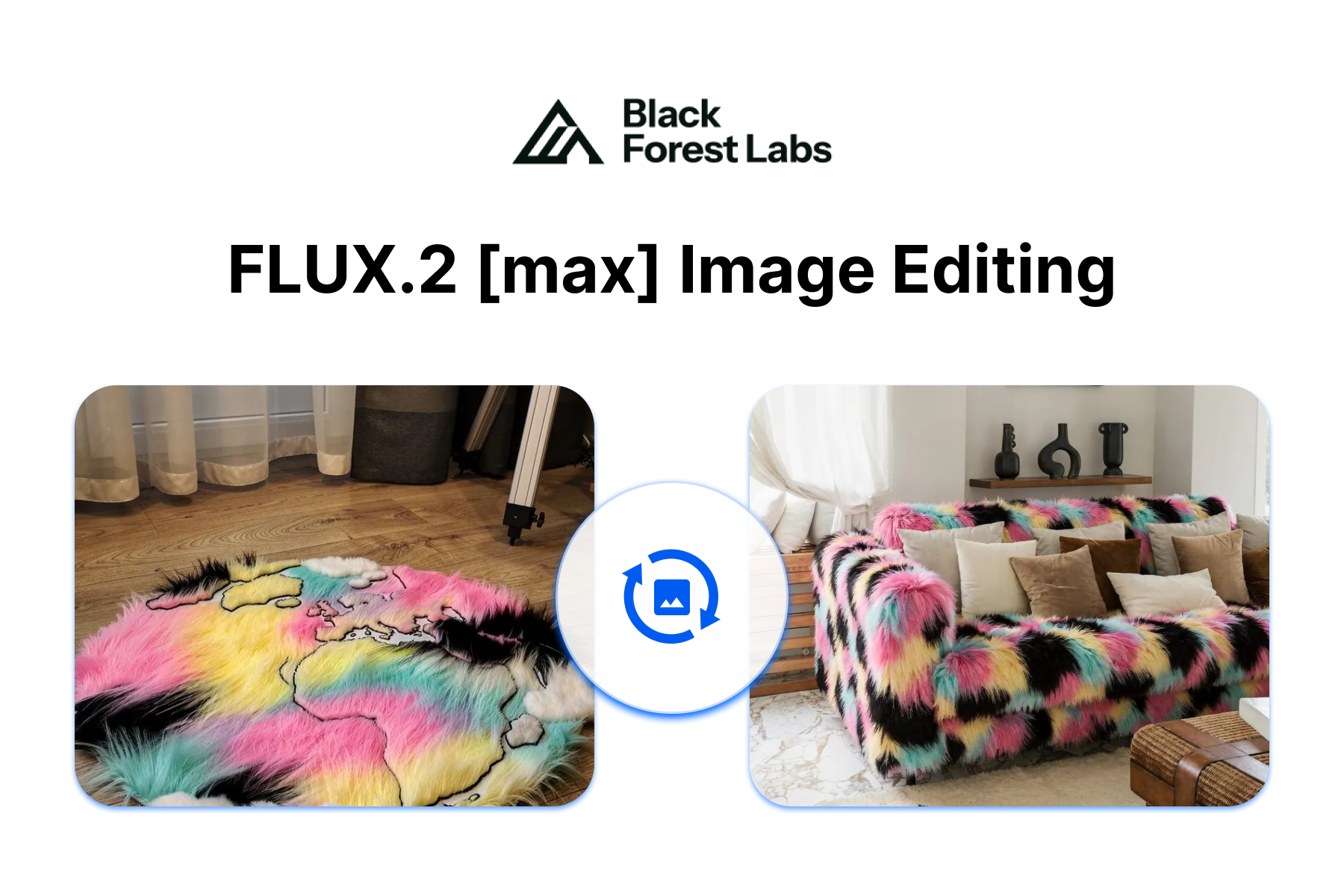
Surgical Edits. Photorealistic Results.
Isolated Edits
Change One Thing. Keep Everything Else.
Modify backgrounds, swap textures, or adjust colors without unintended changes to the rest of the image.
Maximum Detail
4MP Resolution. Professional Quality.
Generate and edit images up to 4 megapixels with sharp textures, accurate lighting, and photorealistic coherence.
Multi-Reference
Ten Images. One Vision.
Reference up to 10 images simultaneously for consistent character, product, and style across generations.
Examples
See what Flux 2 Max Image Editing can create
Copy any prompt below and try it yourself in the playground.
Product Photography
“Professional product shot of a minimalist ceramic vase on a white marble surface, studio lighting, sharp focus, 4MP resolution, editorial quality”
Interior Design
“Modern living room with Scandinavian furniture, natural daylight from large windows, warm neutral tones, architectural photography style”
Brand Marketing
“Tech startup office environment, collaborative workspace with standing desks, plants, natural light, professional corporate photography”
Architectural Visualization
“Contemporary glass and steel building facade at golden hour, urban landscape, photorealistic rendering, professional architectural photography”
For Developers
A few lines of code.
Precise edits. Three lines.
ModelsLab handles the infrastructure: fast inference, auto-scaling, and a developer-friendly API. No GPU management needed.
- Serverless: scales to zero, scales to millions
- Pay per image, on plans from $21/month
- Python and JavaScript SDKs, plus REST API
import requestsresponse = requests.post("https://modelslab.com/api/v7/images/image-to-image",json={"key": "YOUR_API_KEY","height": "1024","prompt": "Match a pose from a reference image","init_image": ""})print(response.json())
Ready to create?
Start generating with Flux 2 Max Image Editing on ModelsLab.